
Your TV screen collects dust, fingerprints, and smudges faster than you’d think. One wrong move with the wrong cloth or cleaner and you’ve permanently scratched a $1,000 OLED. Scary? A little.
But cleaning your TV screen safely is actually simple once you know what works and what doesn’t. This guide walks you through everything, from the right tools to the biggest mistakes Americans make every single day.
Best Way to Clean a TV Screen at Home
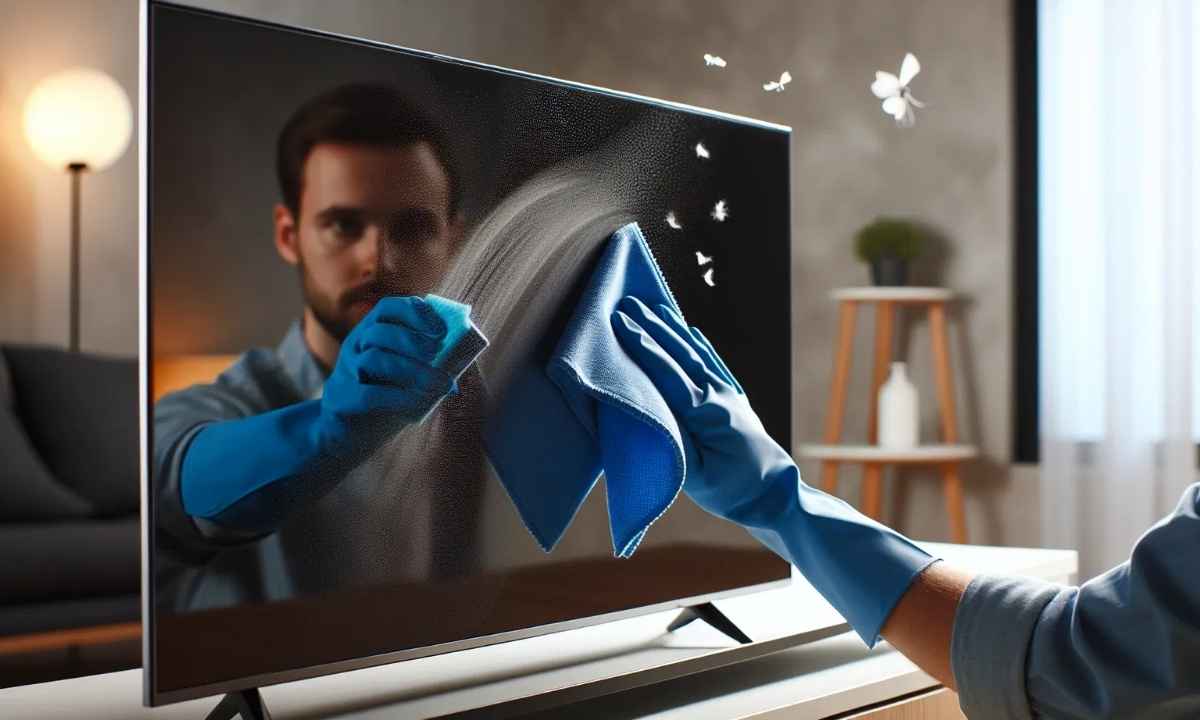
The best way to clean a TV screen starts with one tool: a microfiber cloth. Nothing else comes close. Paper towels feel soft but leave micro-scratches. Old t-shirts drag dirt across the surface. A quality microfiber cloth lifts dust and oils without any friction damage.
Always power off your TV first. A dark screen shows every smudge clearly. Let it cool for a few minutes before you touch it. Then wipe gently using light, circular motions from top to bottom.
What to Use to Clean a Flat Screen TV
Here’s a quick breakdown of what’s safe and what isn’t:
| Cleaning Item | Safe to Use | Notes |
| Microfiber Cloth | Yes | Always your first choice |
| Distilled Water | Yes | Safer than tap water |
| Screen-Specific Spray | Yes | Check label carefully |
| Paper Towels | No | Causes micro-scratches |
| Windex or Ammonia Cleaners | No | Destroys screen coating |
| Isopropyl Alcohol (undiluted) | No | Strips anti-glare coating |
| Baby Wipes | No | Too moist, wrong chemicals |
Distilled water is your safest liquid option. Tap water leaves mineral deposits behind. If you need something stronger, buy a screen-specific cleaner like WHOOSH! or Screen Mom, both widely available across the USA.
How to Clean LED, OLED, and LCD TV Screens
Not all screens are equal. Each type needs slightly different care. OLED screens are the most delicate. LG and Sony OLED panels have extremely sensitive coatings. Use a dry microfiber cloth only unless the smudge truly won’t budge. Even then, barely dampen the cloth.
LED screens handle cleaning a little better but still scratch easily under pressure. Use light strokes and never scrub. LCD screens build up static electricity, so an anti-static microfiber cloth works great here.
| TV Type | Sensitivity | Best Cleaning Method |
| OLED | Very High | Dry microfiber only |
| LED | Medium | Lightly damp microfiber |
| LCD | Medium-High | Anti-static microfiber |
| QLED | Medium | Lightly damp microfiber |
Step-by-Step Guide to Cleaning a TV Screen
Follow these steps every time and you’ll never damage your screen.
- Power off and unplug the TV completely
- Wait 10 minutes for the screen to cool
- Use a dry microfiber cloth to remove loose dust
- For smudges, lightly dampen the cloth with distilled water
- Wipe gently using circular motions
- Never spray liquid directly onto the screen
- Buff dry with a second clean microfiber cloth
- Inspect under natural light for streaks
That’s it. The whole process takes about five minutes. Do it right and your screen stays pristine for years.
Things to Avoid When Cleaning Your TV Screen
This is where most people go wrong. Americans reach for Windex out of habit. It works on windows but it destroys TV screen coatings fast. Ammonia eats through the anti-glare layer and the damage is permanent.
Avoid these completely:
- Windex or any ammonia-based cleaner
- Bleach or disinfectant wipes
- Acetone or nail polish remover
- Rough fabrics like paper towels or tissues
- Spraying any liquid directly onto the screen
- Pressing hard when wiping
A repair technician from Consumer Reports noted that most screen damage they see comes from household cleaners, not accidents. Keep it simple and keep it gentle.
How to Remove Dust and Fingerprints from TV
Kids touch screens. It happens. The fix is easier than you think. For light fingerprints, a dry microfiber cloth usually does the job. Use short, gentle strokes rather than aggressive rubbing. For greasier smudges, slightly dampen your cloth and go slow. The key is patience, not pressure.
Dust buildup is best handled weekly with a quick dry wipe. If you let it accumulate, it becomes harder to remove without liquid. Tackle it early and you’ll rarely need anything beyond a dry cloth.
Homemade TV Screen Cleaner Tips
Want a DIY option? Here’s one that actually works safely on most screens:
Mix equal parts distilled water and white vinegar. Dampen your cloth lightly, never soak it. Wipe gently and buff dry immediately. This works well on LED and LCD screens but avoid it on OLED panels entirely.
Some people suggest isopropyl alcohol mixed with distilled water at a 1:1 ratio. It works but carries risk. Stick to the vinegar mix or a commercial screen cleaner unless you’re confident about your TV type.
How Often Should You Clean Your TV Screen?
It depends on your household. Here’s a simple guide:
| Household Type | Dry Dusting | Deep Clean |
| Single Adult | Weekly | Monthly |
| Family with Kids | 2 to 3 times weekly | Every 2 weeks |
| Pet Owner | 2 to 3 times weekly | Every 2 weeks |
| Gamer | Weekly | Every 2 weeks |
More foot traffic and more hands mean more frequent cleaning. Pet hair settles on screens fast too. A weekly dry wipe keeps most screens looking sharp without needing deep cleans too often.
Quick Tips to Keep Your TV Screen Spotless
Small habits make a big difference over time.
- Keep food and drinks away from the TV area
- Set a no-touching rule for kids early
- Position your TV away from direct sunlight
- Store a microfiber cloth right next to your TV for quick access
- Use a dust cover when the TV sits unused for long periods
- A can of compressed air works great for clearing dust from bezels and vents
These habits cost nothing and save your screen from unnecessary wear.
Conclusion
Cleaning your TV screen safely comes down to two things: the right tools and a little patience. Stick with microfiber cloths, distilled water, and screen-safe sprays. Avoid harsh chemicals like Windex at all costs.
Do a quick dry wipe weekly and a deeper clean monthly. Your screen will stay crystal clear for years. Grab that microfiber cloth today and give your TV the care it actually deserves.